





4.9 stars on Trustpilot
Learn Canva in 2 Days
(Even if you are a complete beginner)
Create professional social media graphic marketing visuals
& client-ready designs
Step-by-step
- Build brand kits & templates
- Creating scroll-stopping social content
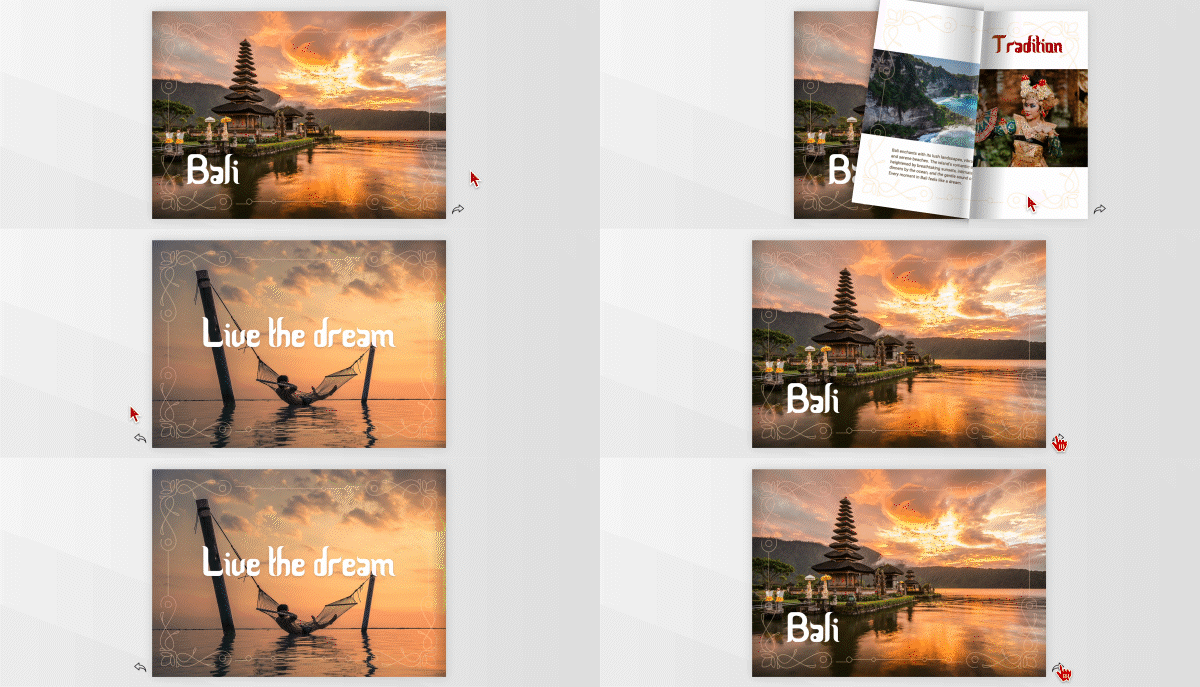
- Use video and animation
- Design multi page documents for screen and print
- Real Campaign Build

 What will I get out of the training course?
- Valuable skills for your CV
- Learn the basics of Canva
- Learn to create your own documents and posts from scratch
- Learn to setup and use branding assets
- Save time and money by doing it yourself
- Enhanced value to your employer
What things will I learn?
Day 1: Canva Essentials & Social Media Design
You’ll learn:
- Canva interface & workspace setup
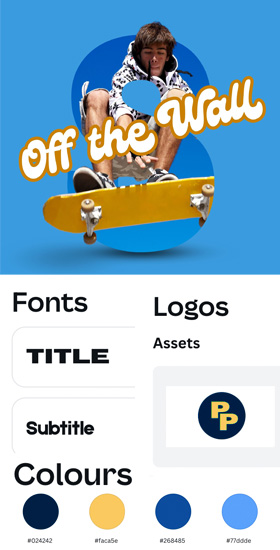
- Brand Kits: colours, fonts, logos, rules & locking
- Social media templates for Instagram, Facebook, TikTok & more
- Carousels, reels covers, stories & ads
- Canva AI tools for faster content creation
- Photo editing & simple motion graphics
- Creating short-form videos in Canva
Hands-on tasks: Build a brand kit, reusable templates, animated carousel, and a short branded video.

Day 2: Multi-Page Design, Batch Production & Campaign Building
You’ll learn:
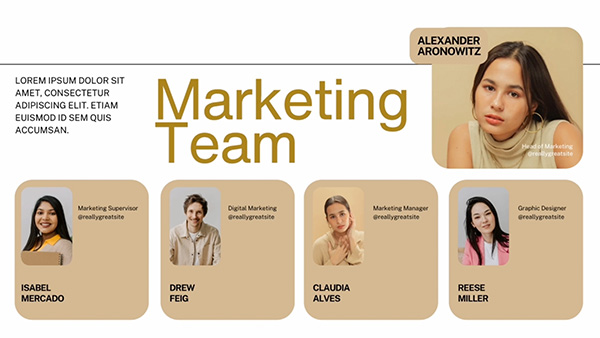
- Creating multi-page documents for screen & print
- Print design essentials (CMYK, bleeds, resolution)
- Exporting for print and digital
- Bulk Create using CSV for quotes, testimonials & product posts
- Magic Resize for multi-platform content
Hands-on tasks: Full campaign creation: reels, stories, carousels, email headers
Hands-on tasks: Design a brochure, create posts, and build a full campaign suite.
Outcome:
By the end of Day 2, participants will be able to create fast, consistent, strategic social and print content in Canva (images, video and animation), from scratch or by using templates, as well as brand kits, and creative workflows.
 How does it work?
Join the live class via Zoom. Your friendly trainer will take you through Canva from scratch, in easy steps, explaining everything along the way.
You will watch what the trainer does as they will share their screen with you and then you will have a chance to try it on your own computer.
If you have any questions you can share your screen with the trainer who will be able to help you.
 Do I get a certificate?
Yes you will get a digital one after the course.
 What if I need help after the course
3 months unlimited support – If you have any problems after the course just contact us and we’ll help you to fix them.